
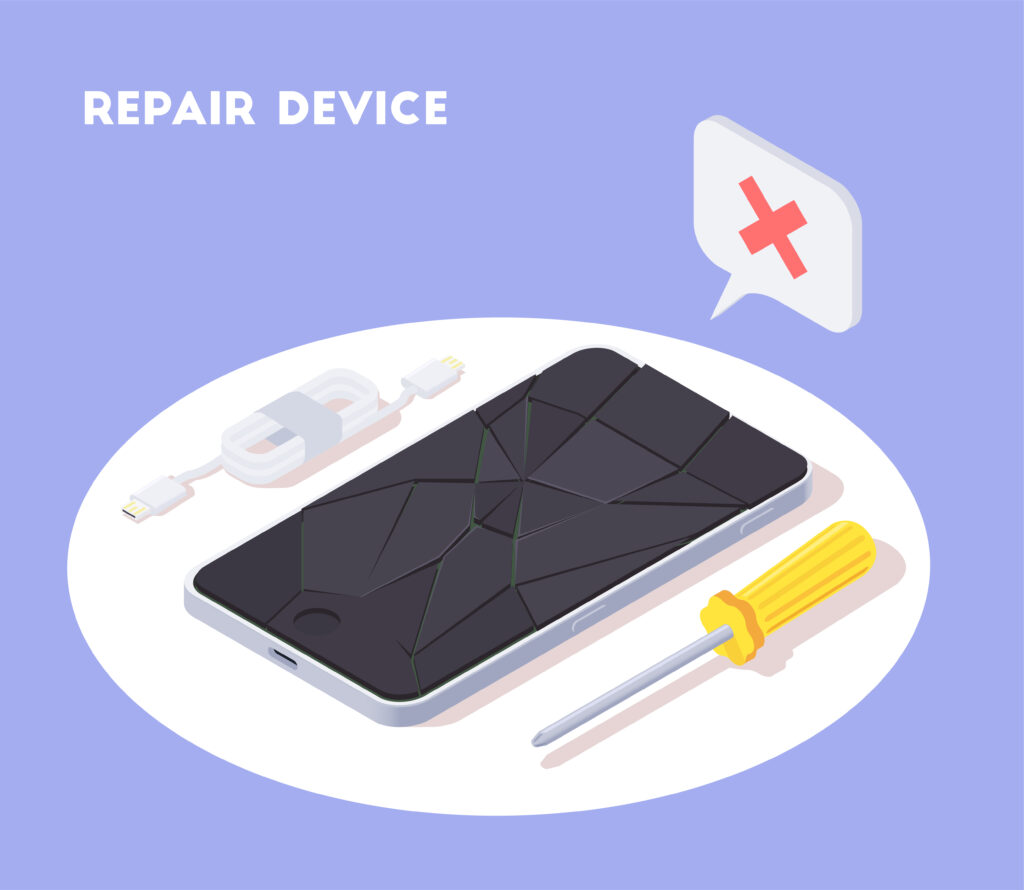
Smartphones are indispensable tools, yet even the most reliable devices can experience issues. From slow performance to connectivity problems, understanding basic troubleshooting strategies allows users to identify and fix common problems efficiently. Applying these solutions can improve device functionality and prevent minor issues from becoming major concerns.
One of the most frequent problems is slow operation. Over time, devices can become sluggish due to accumulated background processes, outdated software, or insufficient storage. Clearing cache files, closing unnecessary apps, and uninstalling unused programs can free up memory and improve responsiveness. Restarting the device periodically also helps refresh system resources.
Battery performance is another common concern. Rapid battery drain or unexpected shutdowns may result from power-hungry apps, outdated software, or a deteriorating battery. Optimizing battery usage by adjusting screen brightness, limiting background activity, and updating applications can extend usage between charges. In cases of severe degradation, replacing the battery with an official component ensures safety and longevity.
Connectivity issues, including Wi-Fi, Bluetooth, or mobile network problems, are often caused by configuration errors or software glitches. Resetting network settings, toggling airplane mode, or restarting the router/device frequently resolves these problems. Ensuring software is up to date can also prevent compatibility issues with networks and accessories.
Applications that crash or fail to open may indicate corrupted files or compatibility problems. Clearing app caches, reinstalling applications, and verifying permissions can restore functionality. In some cases, updating the operating system may resolve conflicts between apps and the device.
Physical and hardware concerns, such as unresponsive screens or faulty buttons, may require more specialized attention. Cleaning the device carefully, inspecting ports for debris, or performing a soft reset can solve minor hardware issues. For persistent hardware malfunctions, seeking professional repair or authorized service ensures proper handling and preserves warranty coverage.
Regular device maintenance is key to preventing many issues. Updating software, monitoring storage usage, and backing up important data reduces risk and provides peace of mind. Users should also familiarize themselves with system diagnostics and built-in troubleshooting tools, which simplify problem identification and resolution.
In conclusion, effective smartphone troubleshooting combines proactive maintenance, software management, and simple corrective measures. By addressing common performance, battery, connectivity, and application issues early, users can maximize device reliability, extend lifespan, and ensure a smoother, more enjoyable mobile experience.